
How It Works
Get started in minutes. Watch our walkthrough videos and see how easy it is to connect your database and start managing your data visually.
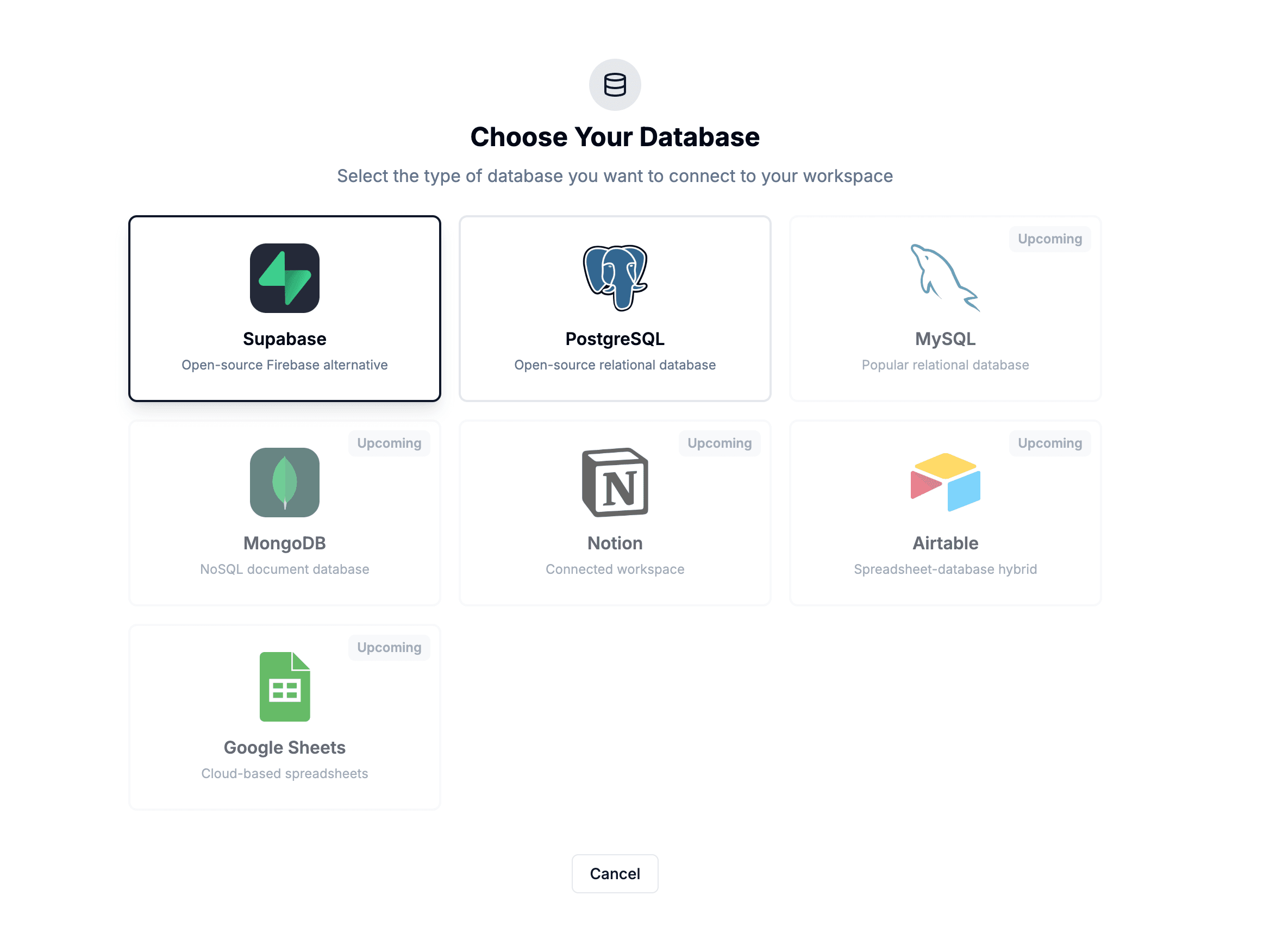
Choose Your Database
Navigate to the database connection page and select from our supported databases. Whether you use Supabase, PostgreSQL, MySQL, MongoDB, or others - we support them all.
- View all supported database types
- Simple connection interface
- Secure credential management
Connect Supabase
Enter your Supabase connection details. Your credentials are encrypted with AES-256-GCM encryption. We never store your actual database data - only metadata for visualization.
- AES-256-GCM encrypted storage
- Read-only connection option
- Instant schema discovery
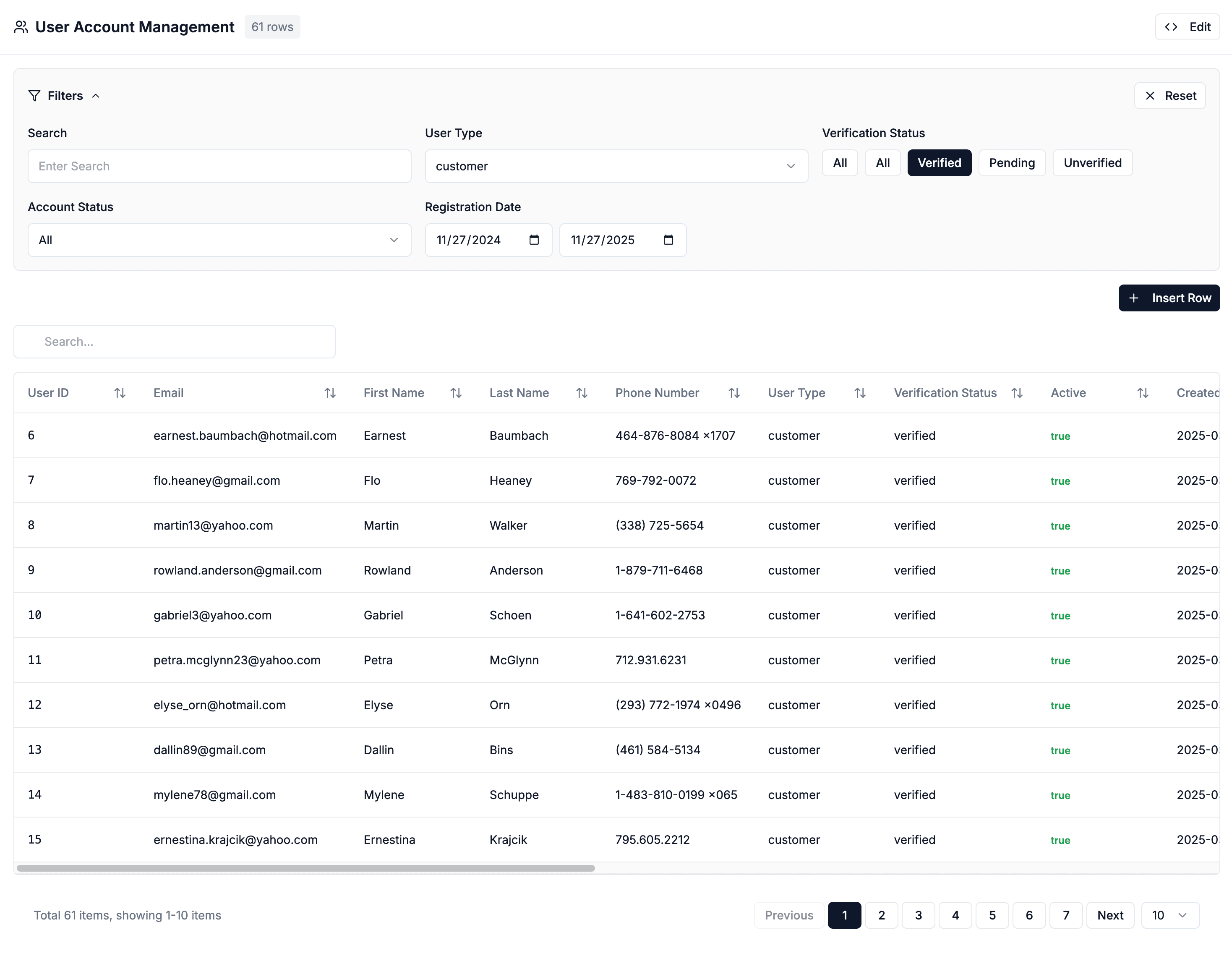
Create a CRUD or Chart View
Build interactive admin panels with full CRUD guardrails or switch to a chart experience for high-level insights. Ask questions, filter results, and visualize your data without writing SQL.
- Full CRUD operations
- Safe update previews
- Built-in filtering & sorting
- Multiple chart types
- AI-powered insights
- Export to CSV or image
Ready to get started?
Connect your database in seconds and start managing your data the smart way. No SQL knowledge required.
No credit card required • Free plan available